
Talkie 1.0 for Mac
Say it.
It’s typed.
Hold a key, talk, let go. Your words land wherever you’re typing.
- Speed
- Instant
- Works in
- Every app
- Runs
- On your Mac
- Price
- Free
The pill.
Small and black, under your camera. It always tells you what is happening.
Formats
Say “bullet list”. Keep talking.
Hands-free
Hold a moment longer. It locks.
Learning
Fix a word once. It remembers.
Style
Your tone, kept per app.
Write like you.
Tidied, formatted, spelled your way. In every app, in your languages.
Formats
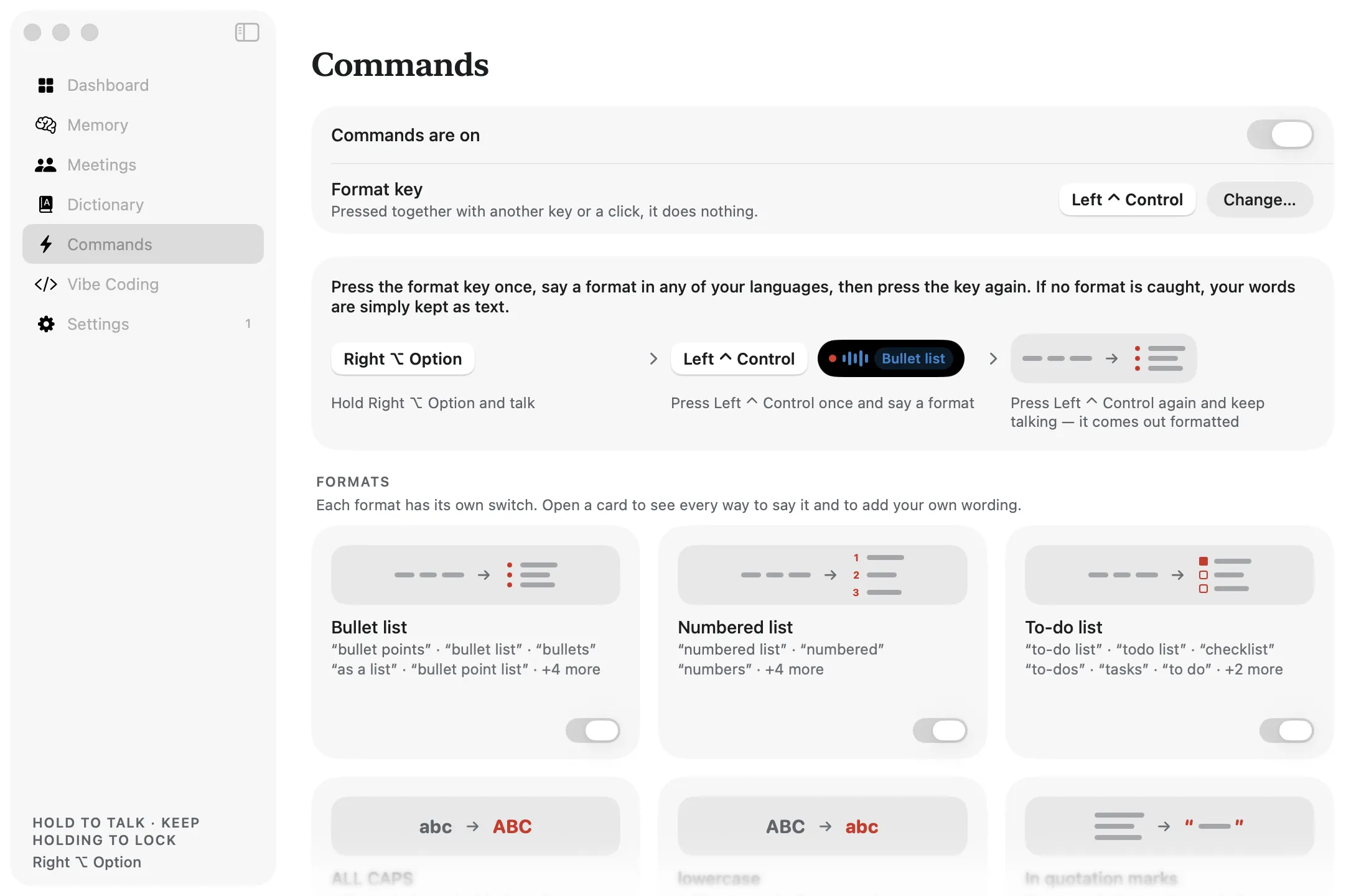
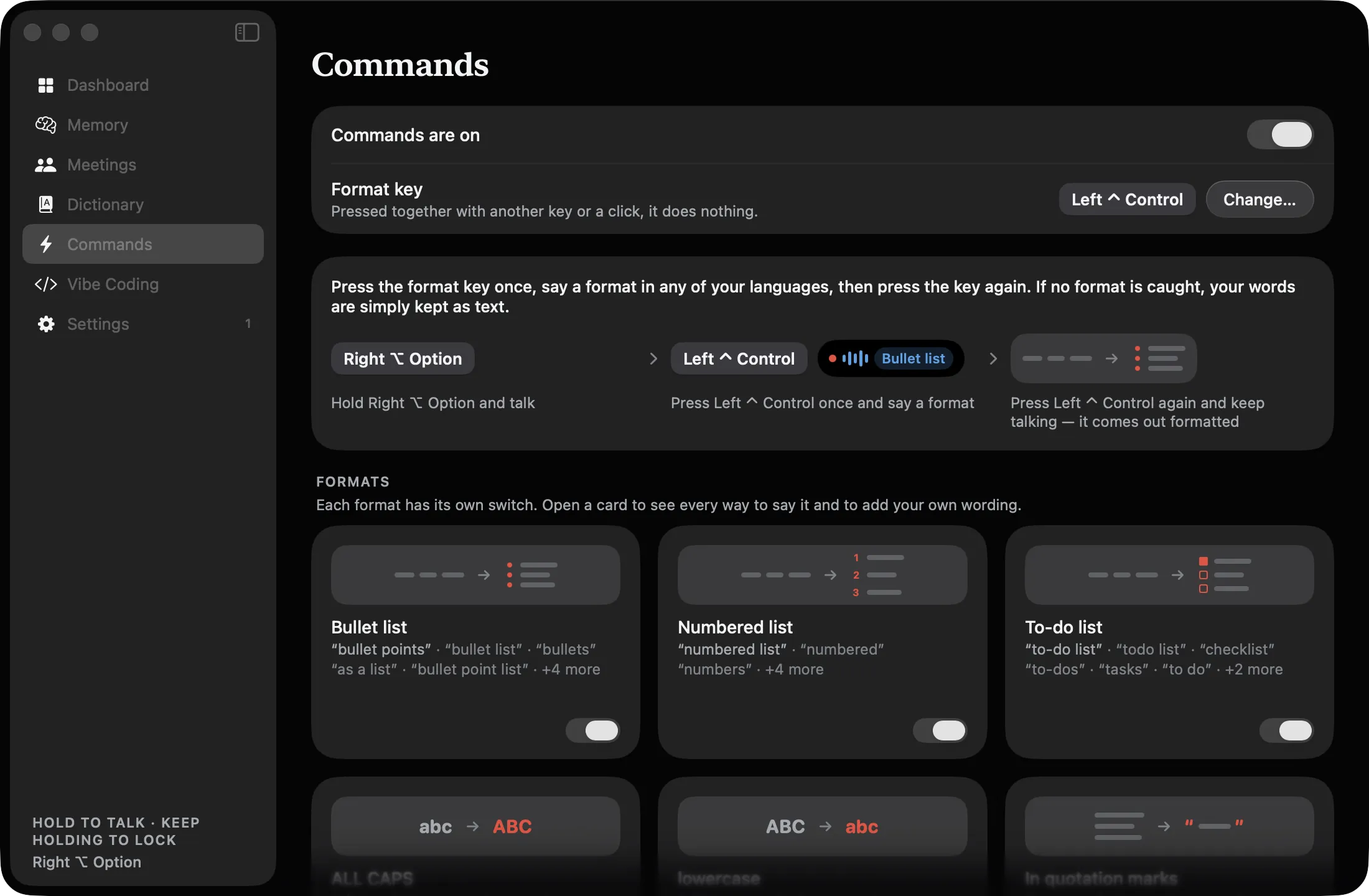
Spoken.
Lists, caps, quotes, your own. Or edit: “replace Monday with Friday”, “scratch that”.
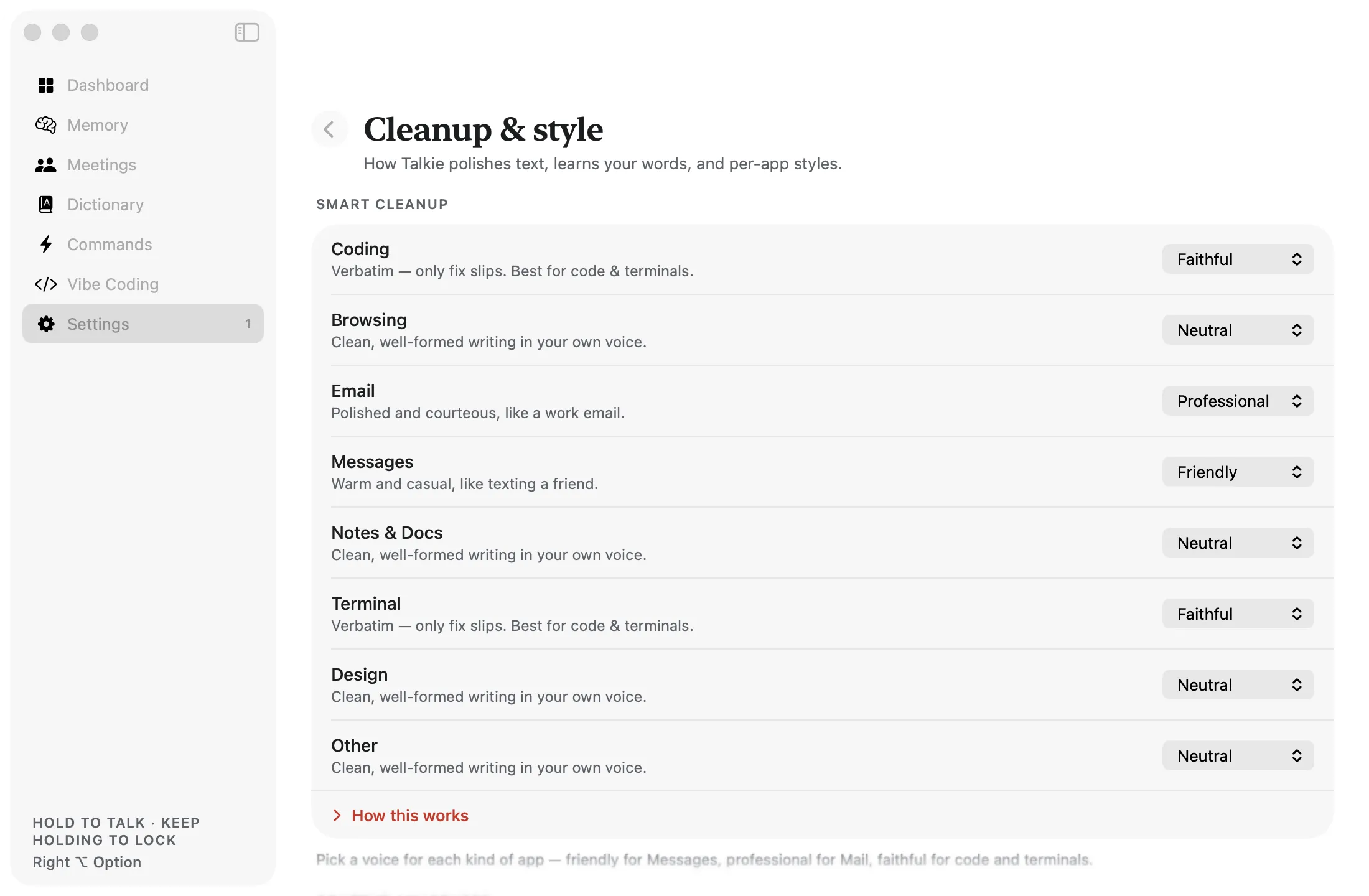
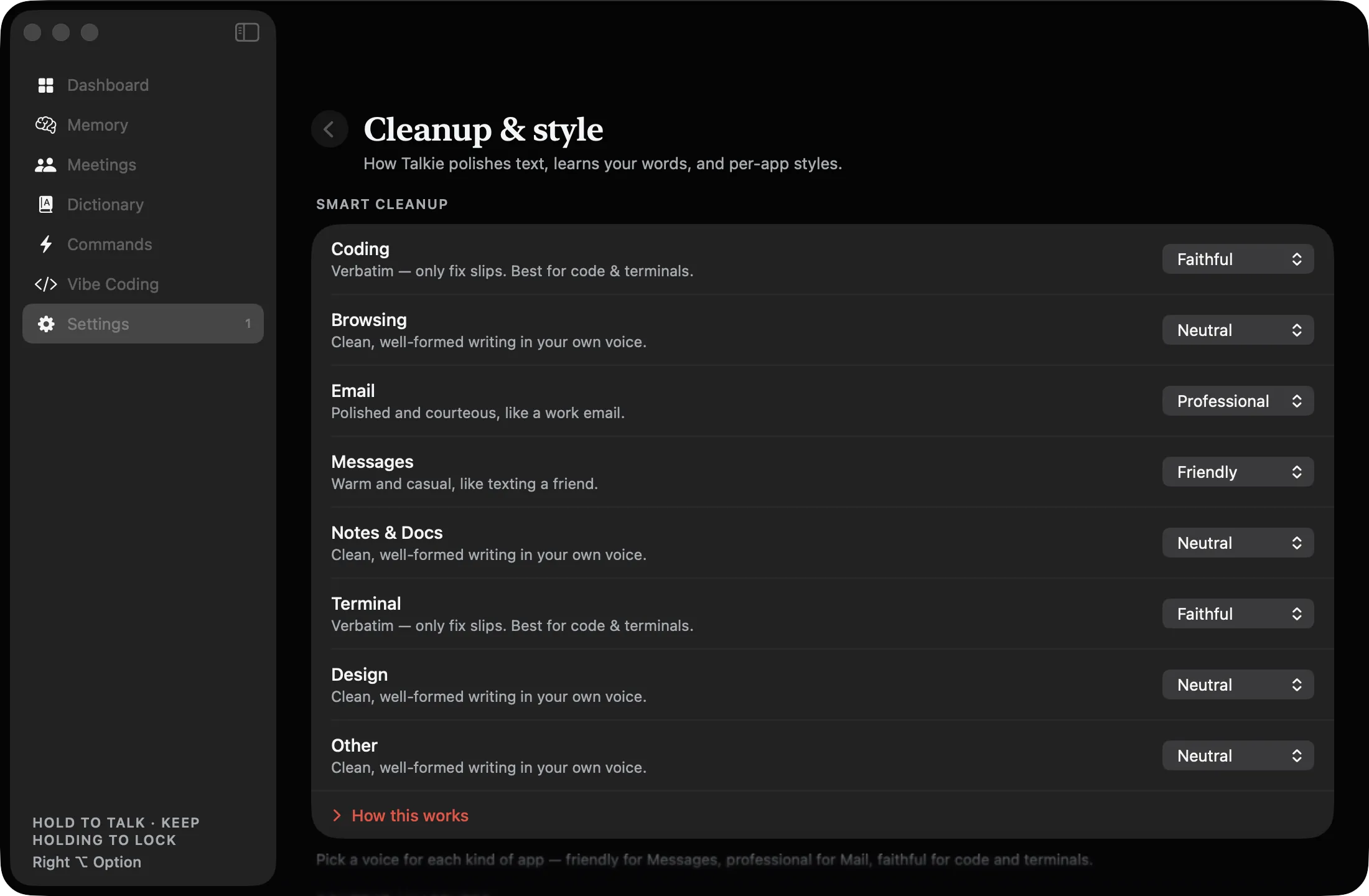
Style
Per app.
Professional in Mail. Friendly in Messages. Word for word in Terminal.
Dictionary
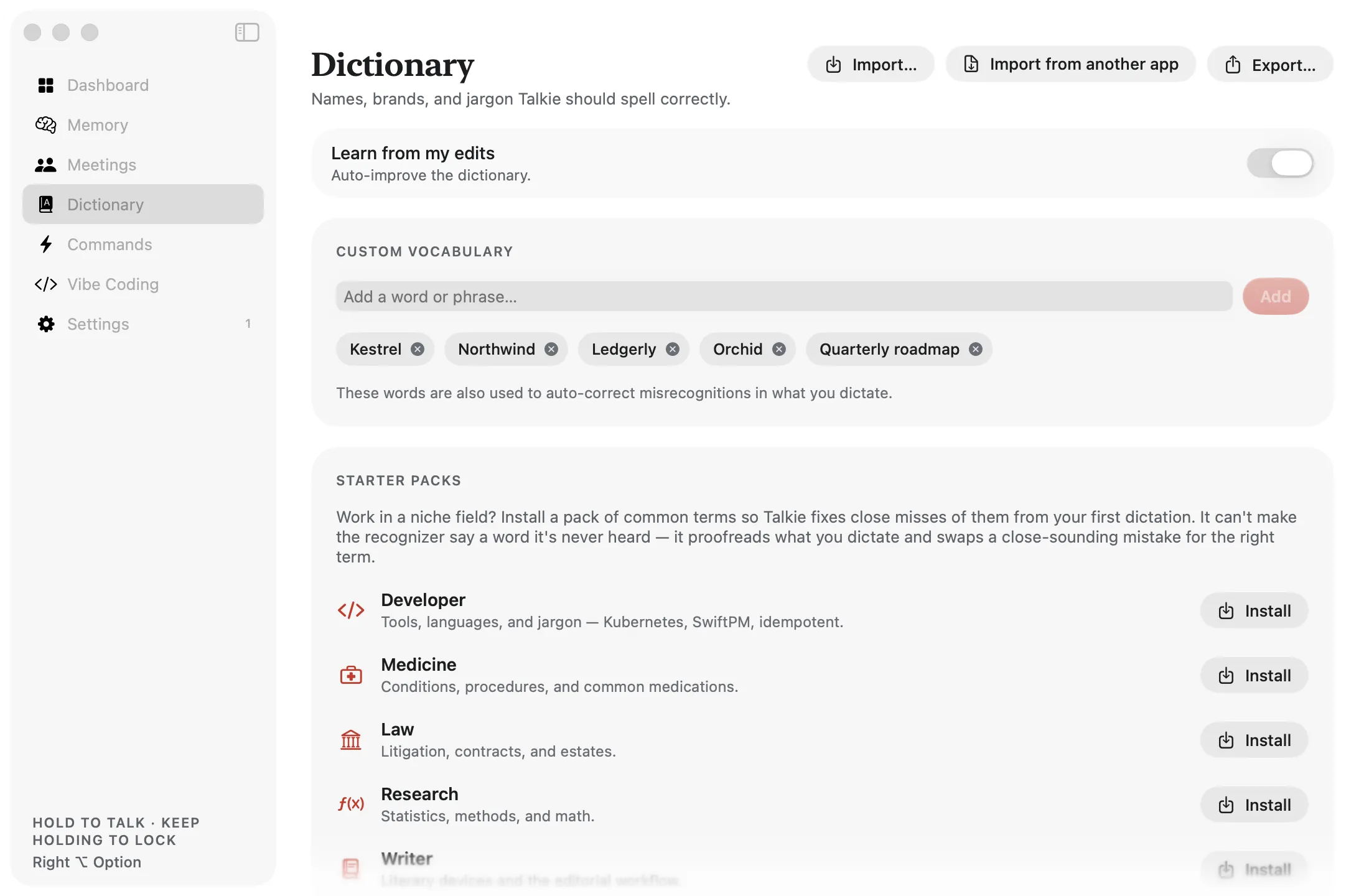
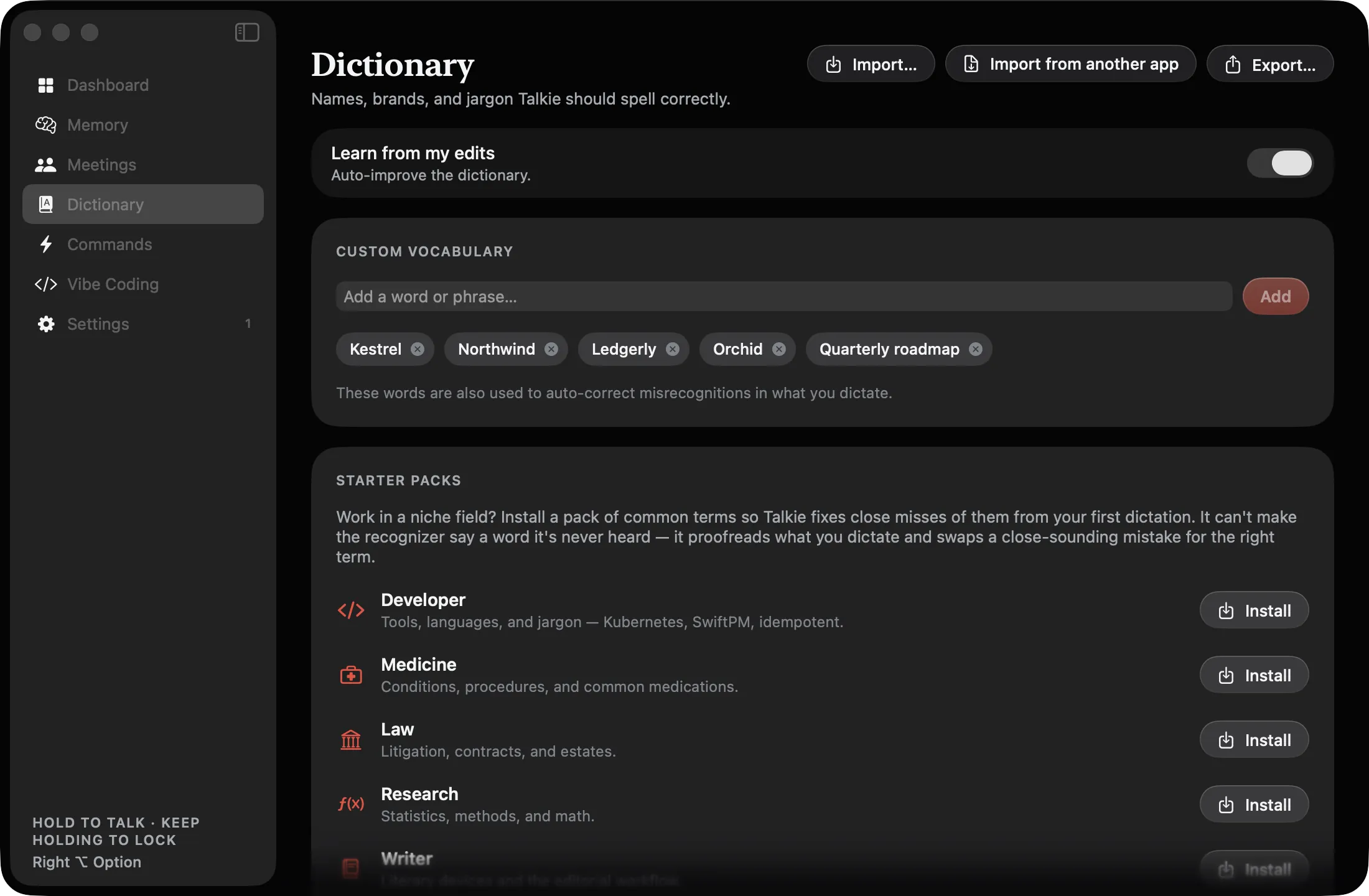
Yours.
Names and jargon, learned from your fixes. Starter packs, import, export.
Code
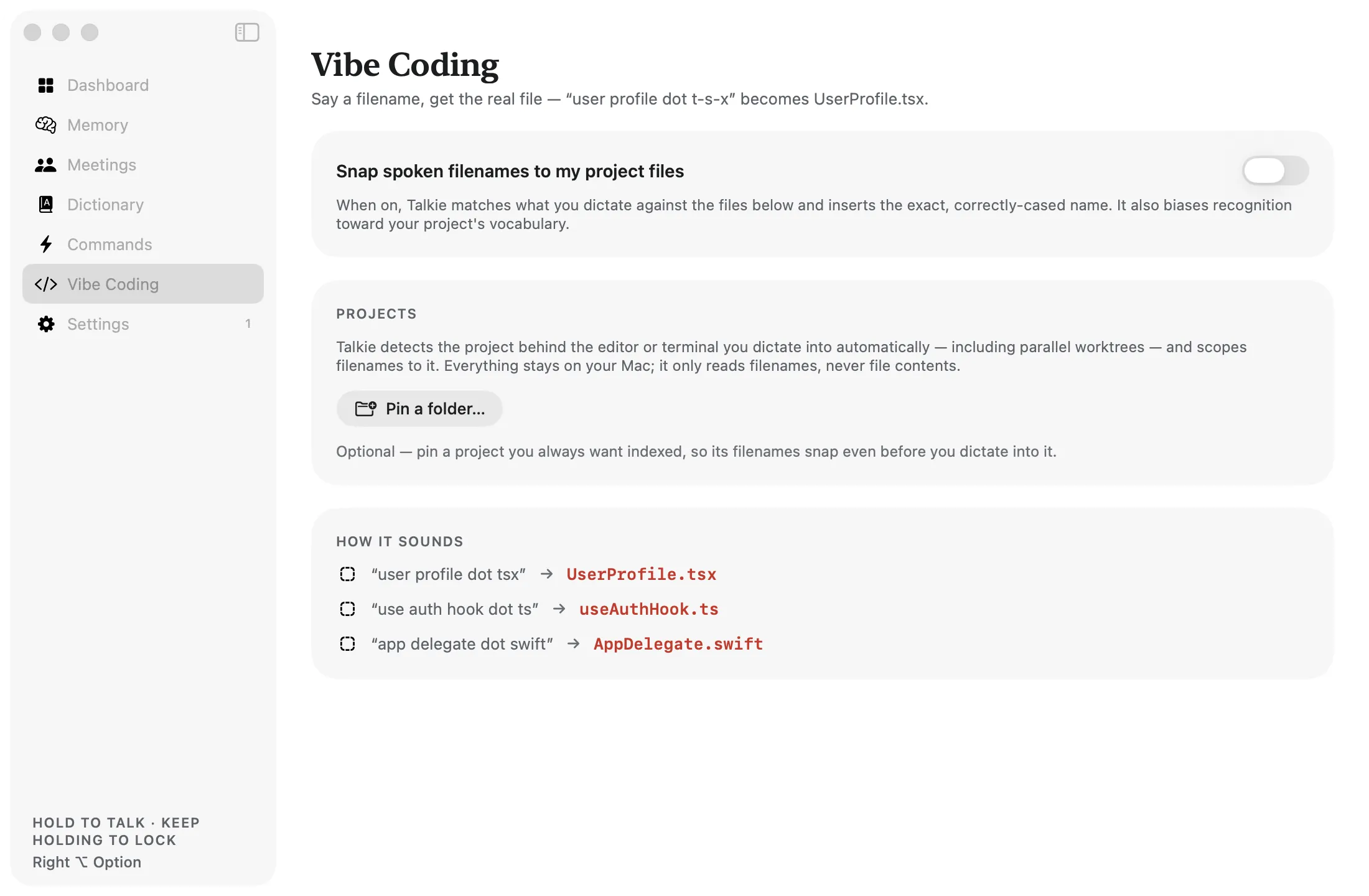
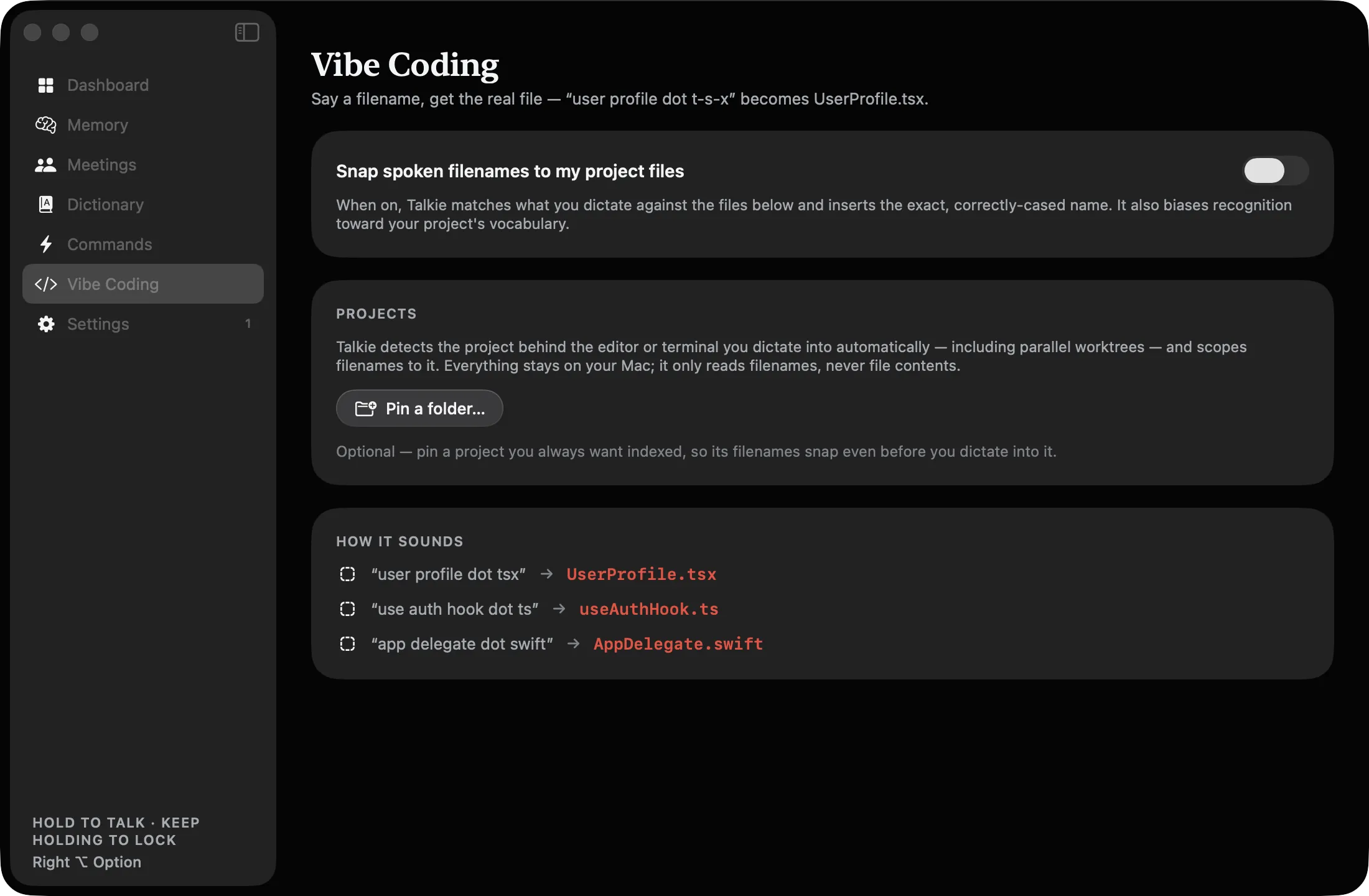
File names snap.
Say “user profile dot tsx”. Get UserProfile.tsx.
- Languages
- Auto-detected
- Punctuation
- Just say it
- Fillers
- Gone
- Private apps
- No history
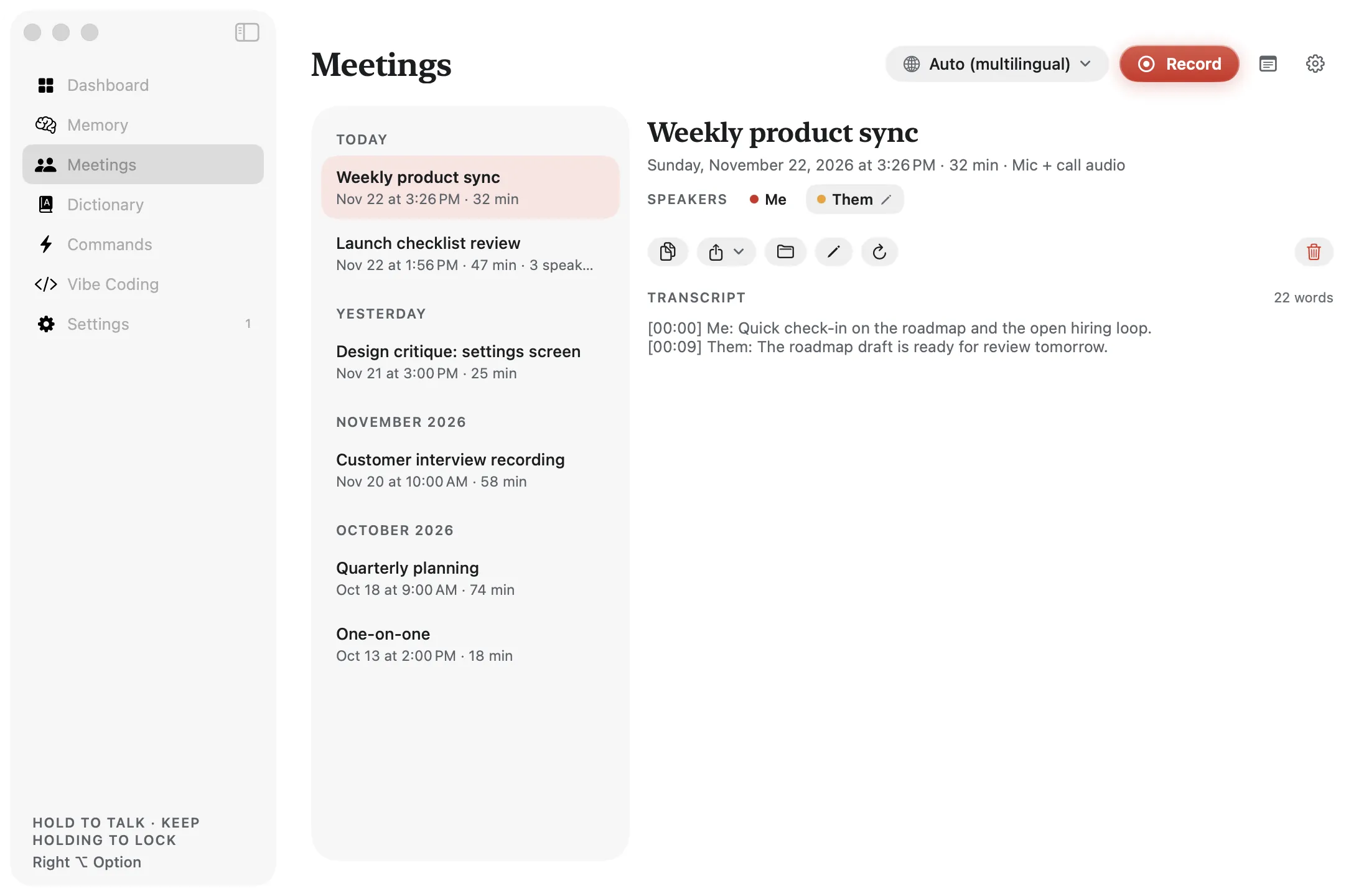
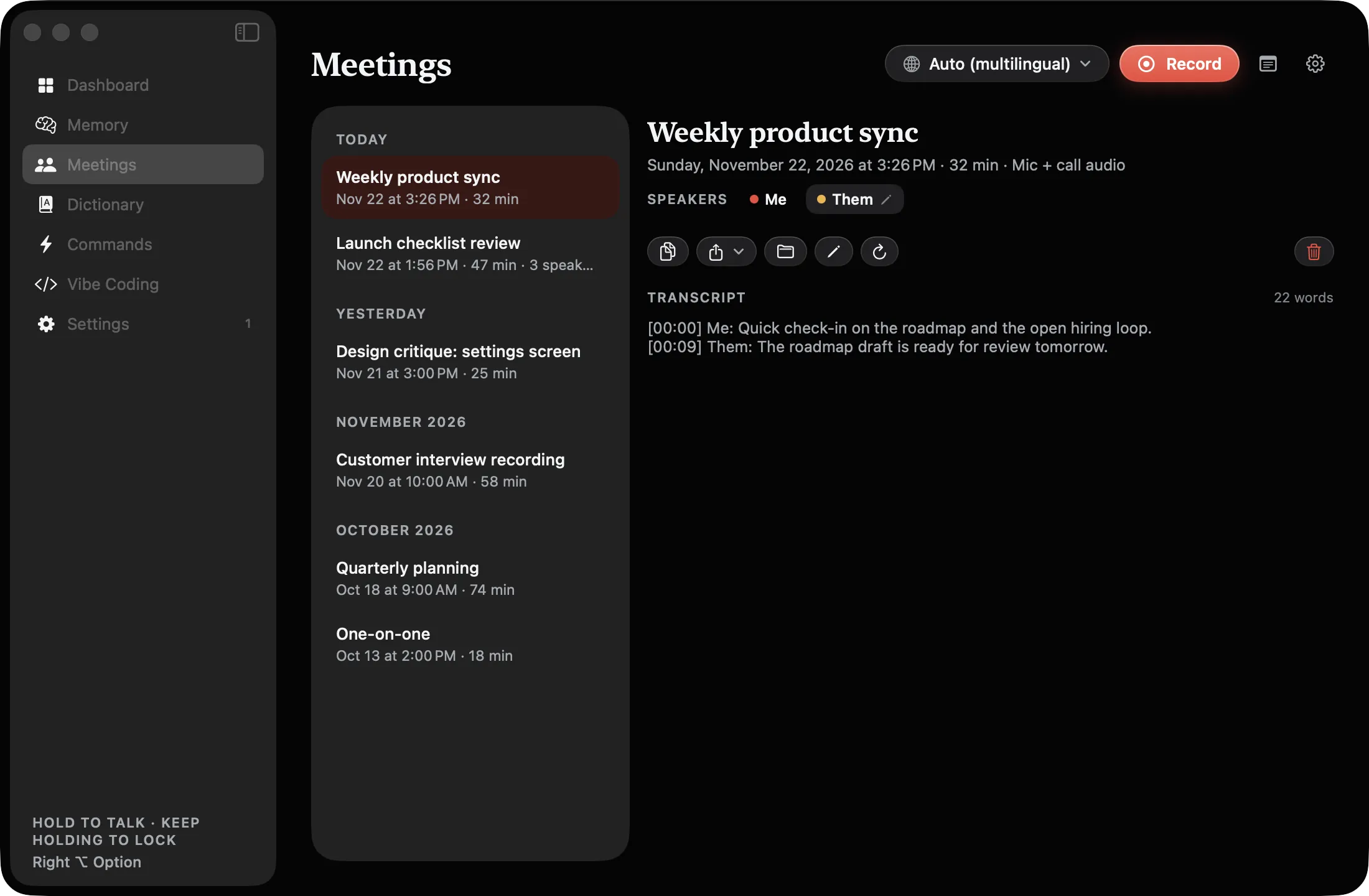
Meetings, minus the bot.
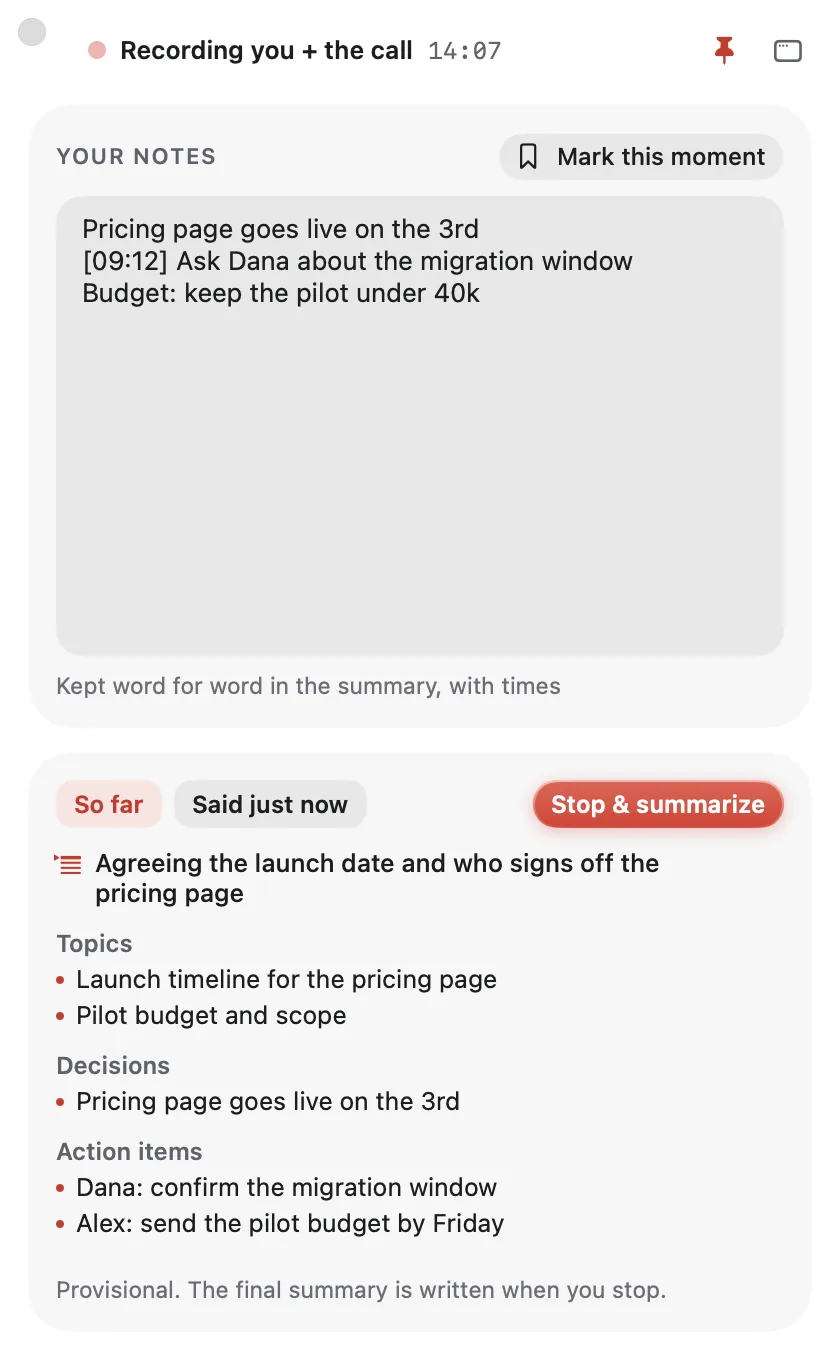
It hears you and the call, tells the voices apart, and writes it up. On your Mac.
Live
The topic, and any open question.
- Speakers
- Detected
- Voices
- Remembered
- Summary
- When you stop
- Screen share
- Hidden
Make it yours.
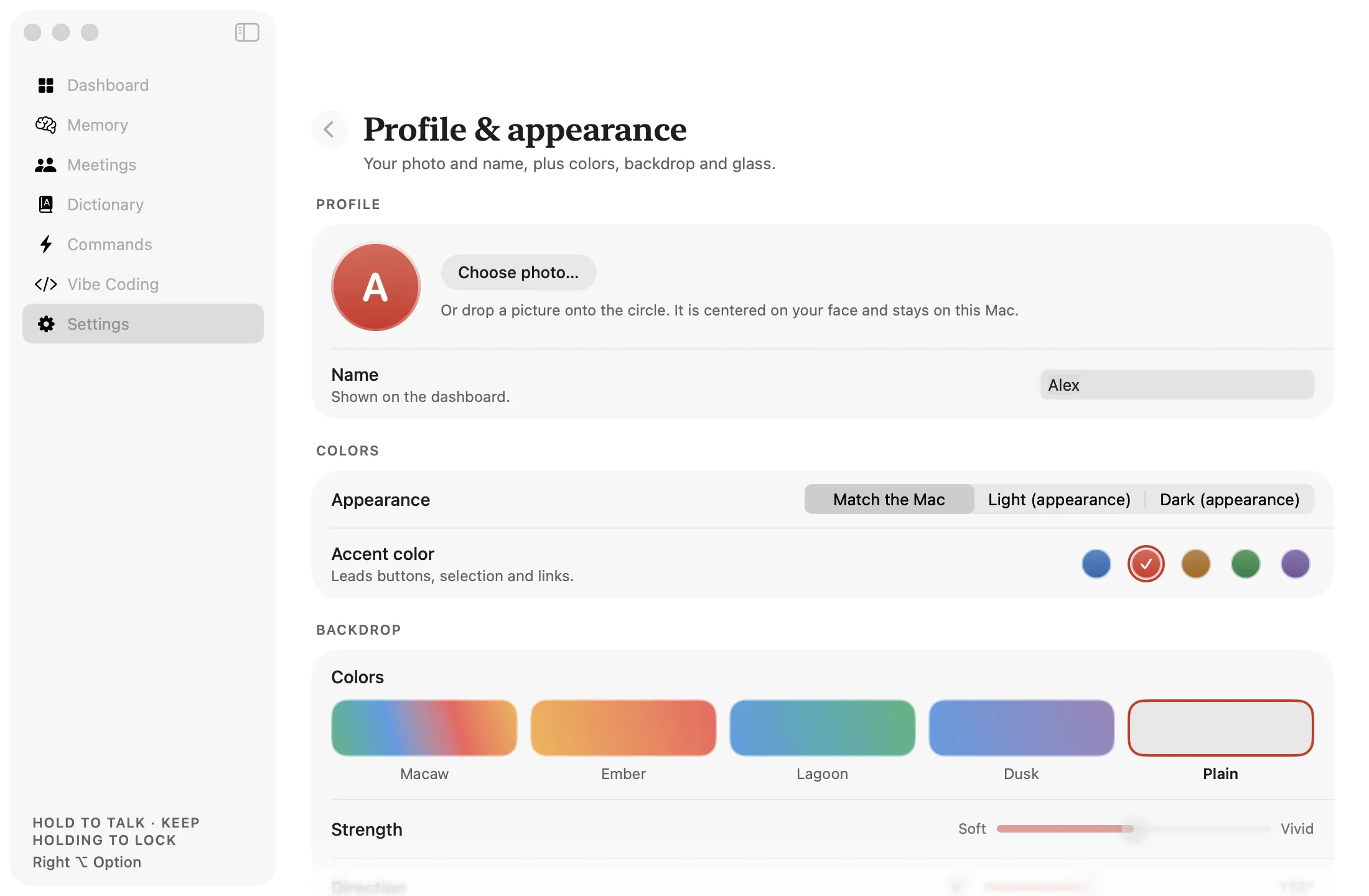
Colours, glass, your photo, your key.
- Light or dark
- Accent colour
- Backdrop
- Glass
- Your photo
- Your key
- Sounds
- Floating bird
- Name the macaw
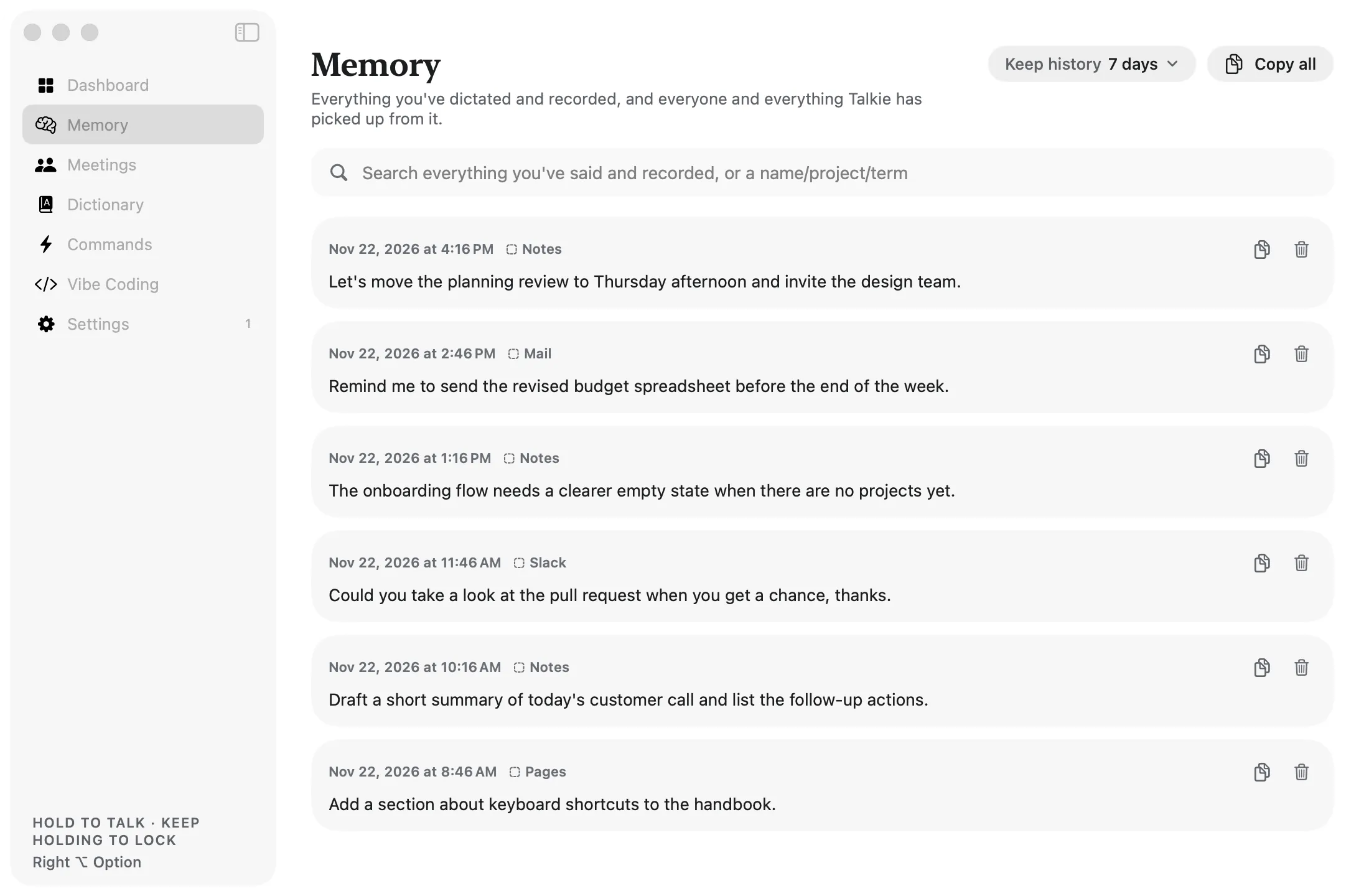
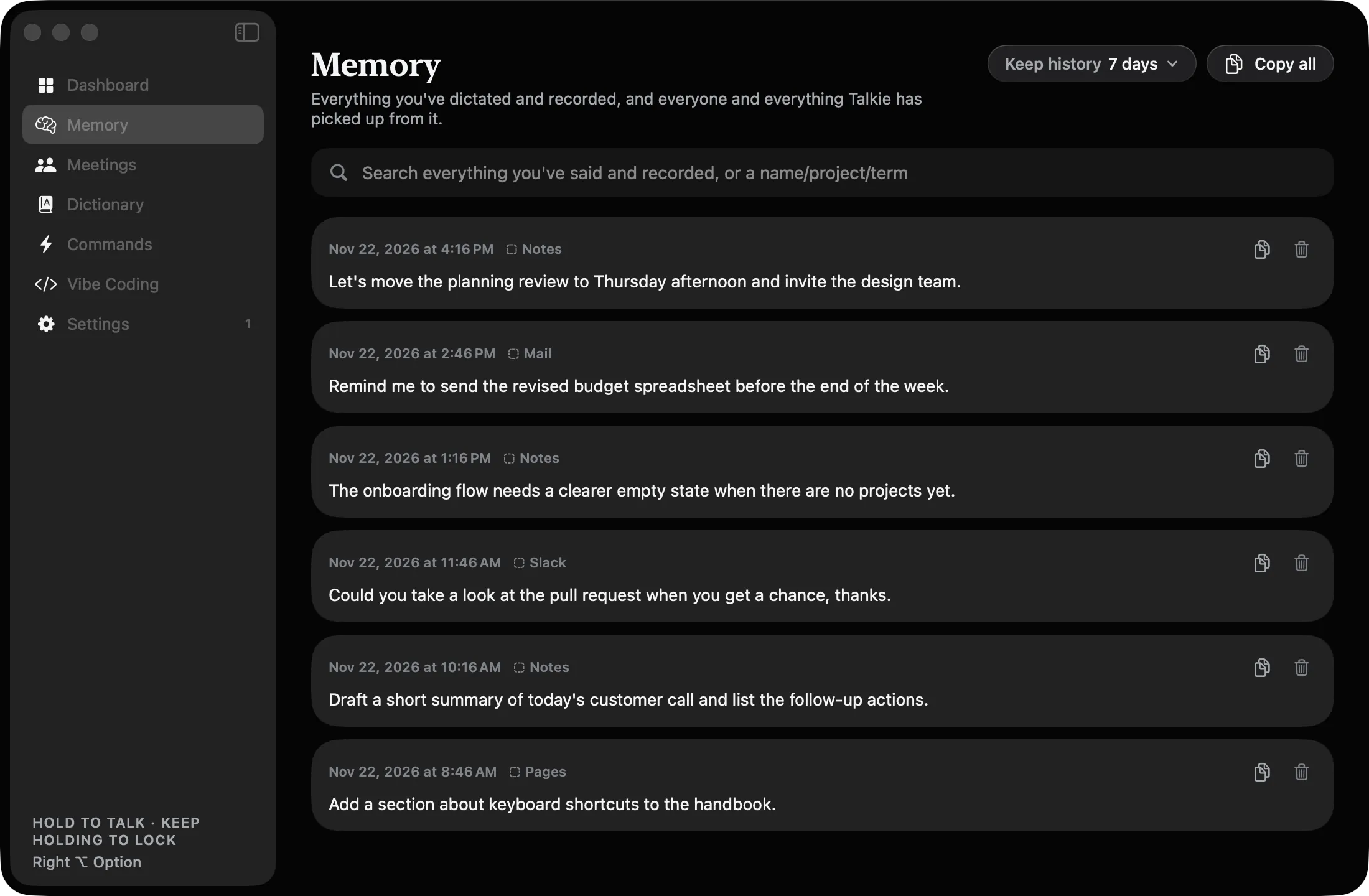
Your AI agent, briefed.
Claude and other agents can look up what you said and what was decided. Locally.
- Works with
- Claude, MCP
- Dictionary edits
- With Undo
Connect in one paste
Set up Talkie's MCP for yourself. Talkie is my local dictation app; its `talkie` MCP is a tiny bundled binary that runs 100% on-device with zero network — nothing it exposes leaves my Mac.

First run `claude mcp list`. If a `talkie` is already there (stale after an app update), remove it in whatever scope it shows, then add the current one and reconnect your MCP servers:
claude mcp remove talkie -s user 2>/dev/null; claude mcp add talkie -s user -- "/Applications/Talkie.app/Contents/MacOS/talkie-mcp"
Or, if you can't run commands, add this to my `.mcp.json`:
{
  "mcpServers": {
    "talkie": {
      "command": "/Applications/Talkie.app/Contents/MacOS/talkie-mcp"
    }
  }
}

You'll then have these `talkie` tools. Reads only touch my local stores:
- search — semantic + keyword search over meetings, dictations, entities
- get_recent_context — what I dictated / met about / mentioned lately
- graph_query — what's known about one person/project/term, with provenance
- get_stats — lifetime dictation stats (words, WPM, streak)
- get_dictionary — my vocabulary terms and spoken→written rules
- list_dictations — recent dictations, newest first
- read_scratchpad — my notes and checkbox tasks (read-only)
- list_meetings / get_meeting — recent meetings; one full meeting
- list_commitments — action items from meetings
- get_brief — today's on-device brief
- lookup_entity — resolve a person/project/term by name

Writes are SUGGESTIONS I can reverse: Talkie applies each right away with a one-tap Undo pill (queued if Talkie is closed), so just call it and tell me what you queued.
- add_vocabulary_term — teach a name/product/acronym its spelling
- add_replacement — map a misheard form to what I meant (get hub → GitHub)
- remove_replacement / update_replacement — remove or retarget a rule
- remove_vocabulary_term — remove a term

Call get_dictionary before suggesting so you don't duplicate what I have; keep it high-signal — one call per genuinely new or wrong term, no common words.

Verify: confirm `get_dictionary` is in your tools (if missing, you're on an old build — tell me to update Talkie.app), then call `search` once and tell me it came back.
Everything, at a glance.
If you are looking for it, it is probably here.
Dictation
- Hold to talk
- Hands-free lock
- Stops when you go quiet
- Any key or mouse button
- Live words in the pill
- Paste or type
- ⌃⌘V pastes the last one again
- Pick your mic
- Two speech models
Writing
- A style per app
- Switch style from the pill
- Fillers out
- Numbers and versions written right
- Spoken punctuation
- Output language per app
- Private apps: no history
Formats and edits
- Bullet, numbered and to-do lists
- Caps, lowercase, quotes
- Your own formats
- Replace this with that
- Scratch that
- Make this a list
- Spelling alphabet
- Run a Shortcut
Your words
- Vocabulary
- Replacements
- Learns from your fixes
- Starter packs
- Import and export
- File names snap to your project
Languages
- Several at once
- Detects the switch
- App in ten languages
Meetings
- Offers to record
- You and the call
- Speaker detection
- Name a voice once
- Live topic and open questions
- Notes window
- Mark this moment
- Summary, decisions, to-dos
- Named after your calendar
- Click a line, hear it
- Edit, and it learns
- Plain Markdown files
- Drop in recordings
- Watch a folder
- Hidden from screen share
Memory and agents
- Search everything you said
- People and projects
- History you control
- Claude Desktop and Claude Code
- Any MCP app
Your numbers
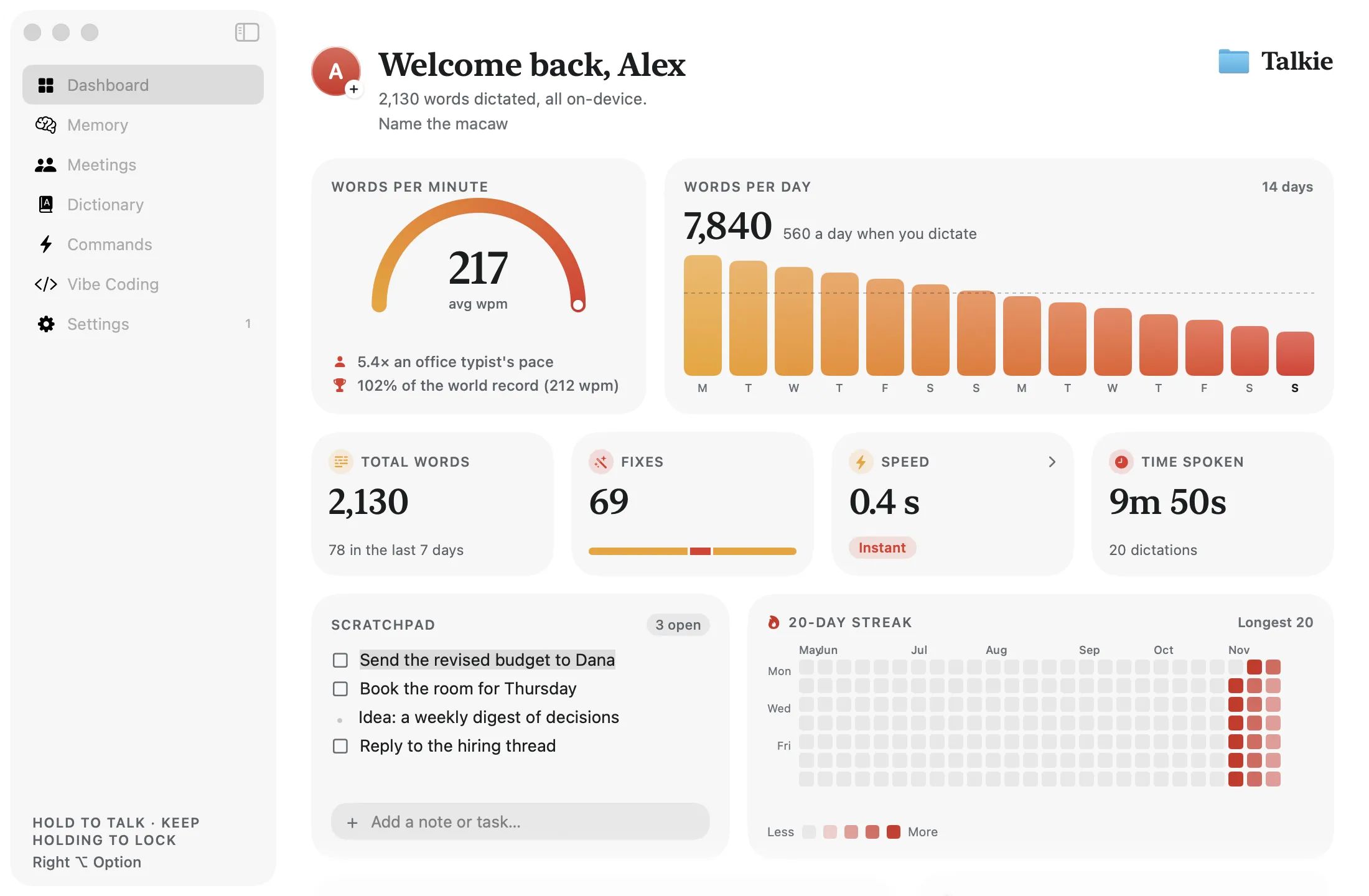
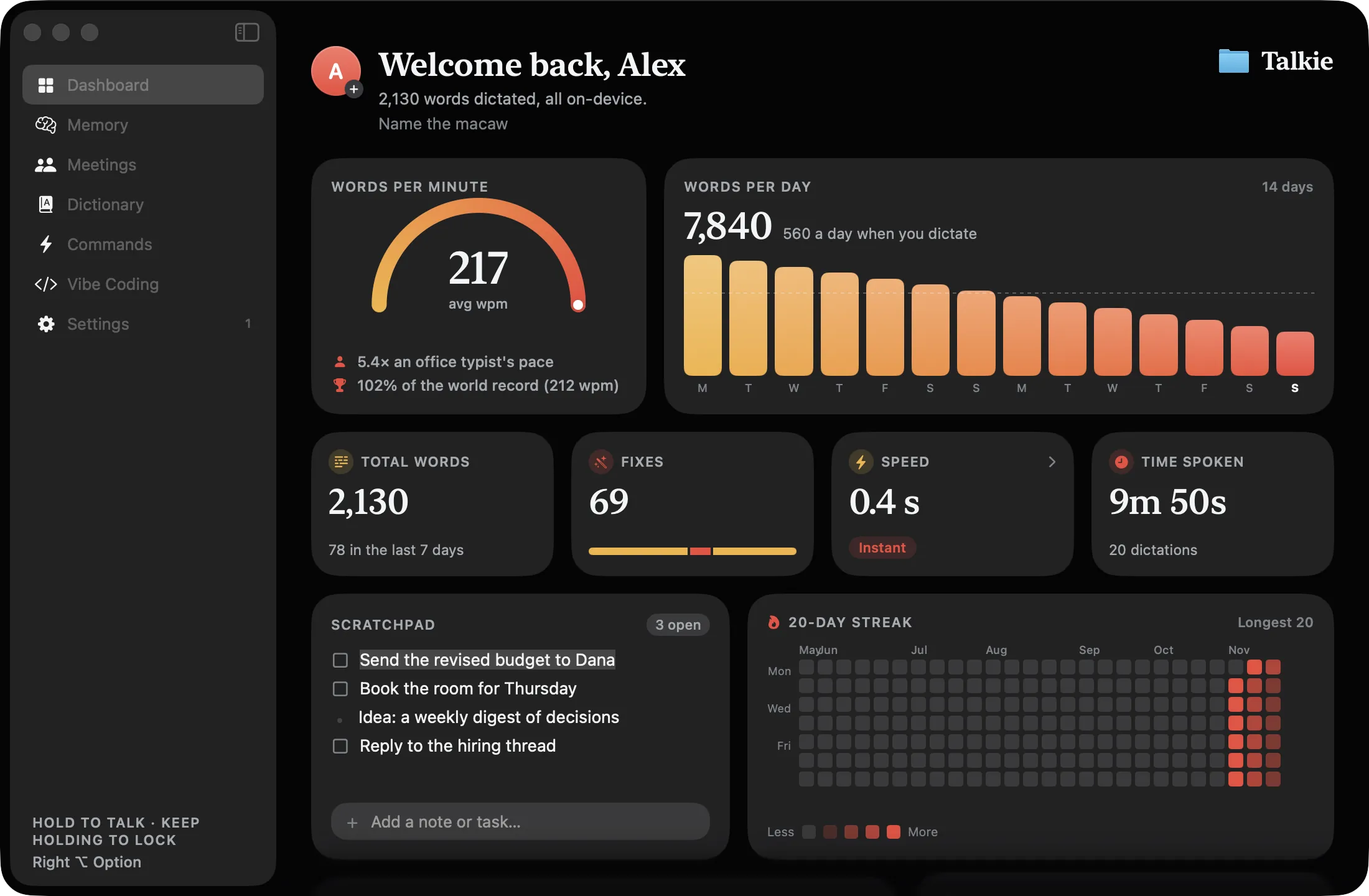
- Words per minute
- Words per day
- Fixes
- Speed
- Time spoken
- Streak
- Where your words go
- Records
- Scratchpad
Around your Mac
- Menu bar
- Transcribe with Talkie (Services)
- Clean up with Talkie (Services)
- Shortcuts and Siri
- Command line
- Obsidian
- A Shortcut after each meeting
Make it yours
- Light or dark
- Accent colour
- Backdrop: Macaw, Ember, Lagoon, Dusk, Plain
- Clear, frosted or solid glass
- Your photo
- Name the macaw
- Sounds
- Open at login
- Floating bird
Privacy
- Runs on your Mac
- Live connection count: 0
- Verify it yourself
- Proof card
- No account
- Open source, MIT
Private. Free.
No account, no cloud, no subscription. Check it yourself.
- Network
- Zero connections
- Account
- None
- Price
- Free
- Code
- Open, MIT
$ nettop -p $(pgrep Talkie)0 bytes in, 0 bytes out
Two minutes.
Download. Allow the mic. Hold the key and talk.
Talkie 1.0 · Free · macOS 26 · Apple Silicon
Really free?
Yes. No trial, no account, no subscription. Open source, MIT.
Does anything leave my Mac?
No. The only download is macOS fetching Apple's speech model the first time you use a language.
Why my email?
Talkie never goes online, so it can't tell you about new versions. We can, if you tick the box. No tick, nothing kept.
Which Macs?
Apple Silicon, macOS 26 or newer. Polishing, summaries and translation use Apple Intelligence; plain dictation works without it.
Anything it's not good at?
Rare names are the hardest part. Teach them once and Talkie fixes the near misses.